




Free unlimited eSign. One simple workflow
Sign deals faster with free eSign built into your contracting flow. No tool-hopping. No limits.
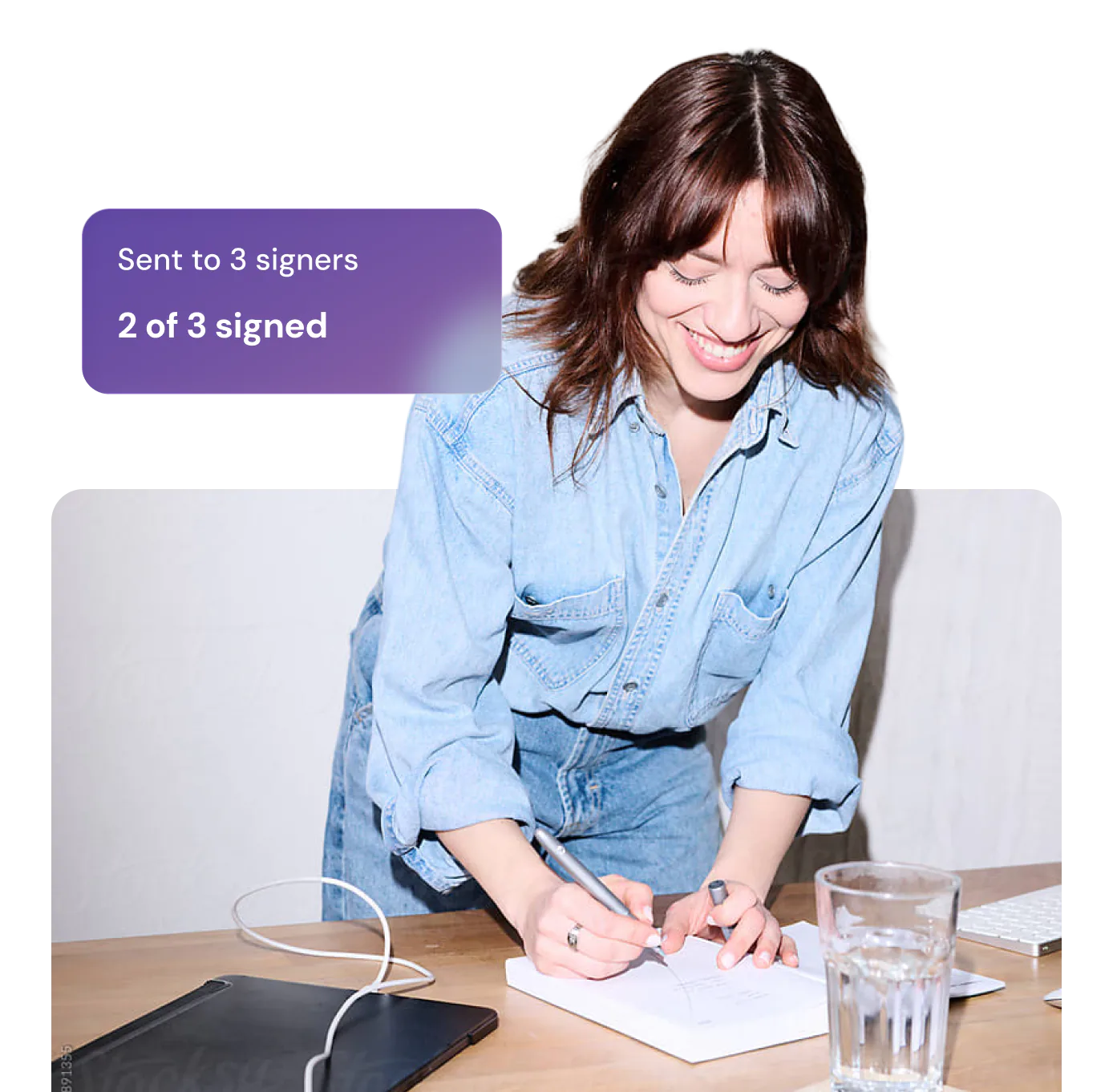

Signing shouldn't mean switching tools
Most eSign tools charge per user, cap your documents and lock you into annual plans.
GitLaw's eSign is free, unlimited, and built right into your workflow, giving you back money, time and momentum.
No document limits
Legally binding
Complete audit trail
Save up to $850* per year vs the market leader
100% Free
Start signing in these steps
Prepare your document
Create a contract by chatting with GitLaw, or upload an existing one.
Add the parties who need to sign
Add the people who need to sign using the right-hand panel, and confirm where signatures are needed.
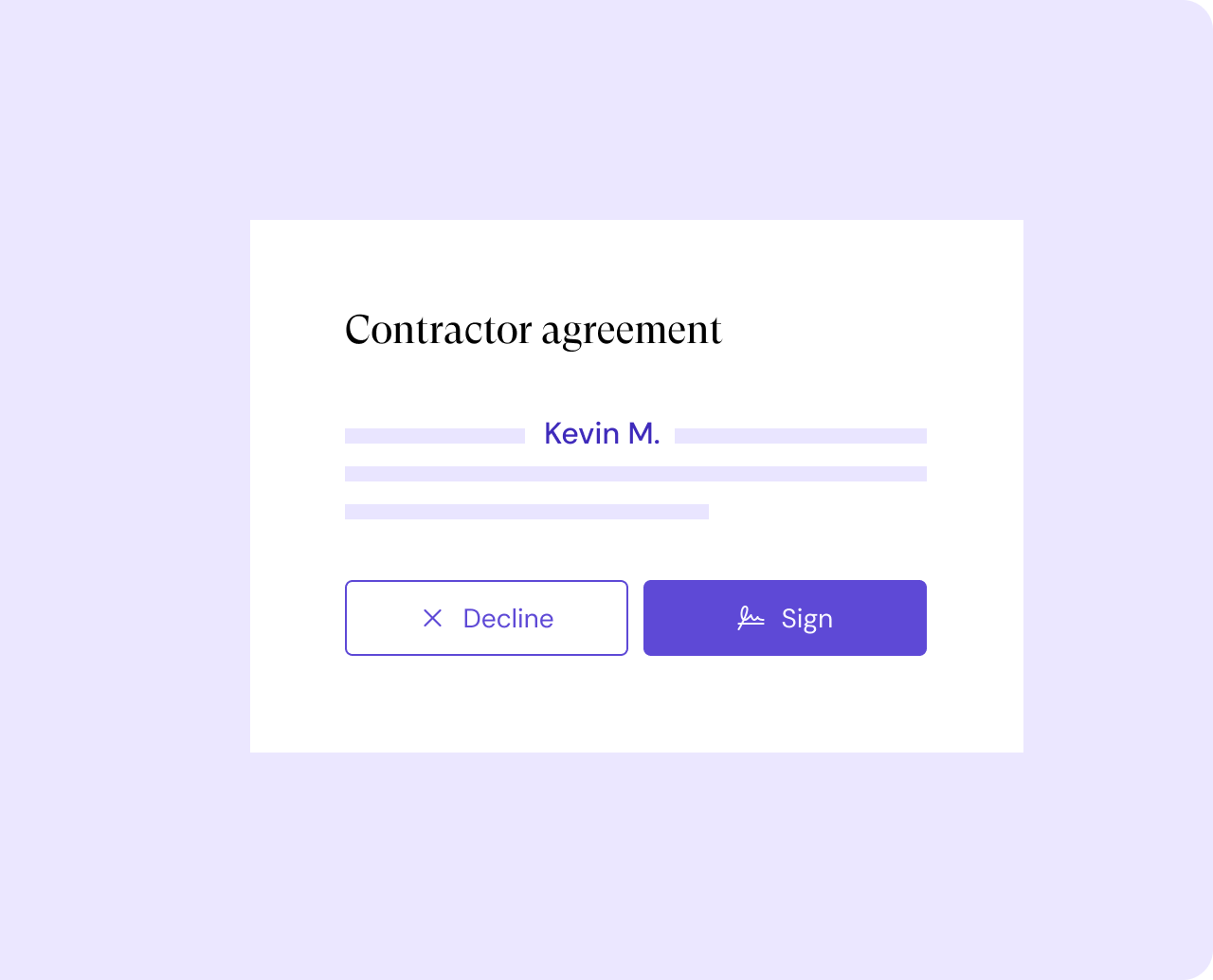
Send for signature & store securely
Hit send. Your counterparty receives a signing request by email. Once signed, your contract is securely stored in GitLaw.
Simpler signing, faster deals
Unlimited signatures, zero cost
No trials. No document limits. Just free, legally binding eSign.
- •Save up to $850*
- •Legally binding
- •No document limits

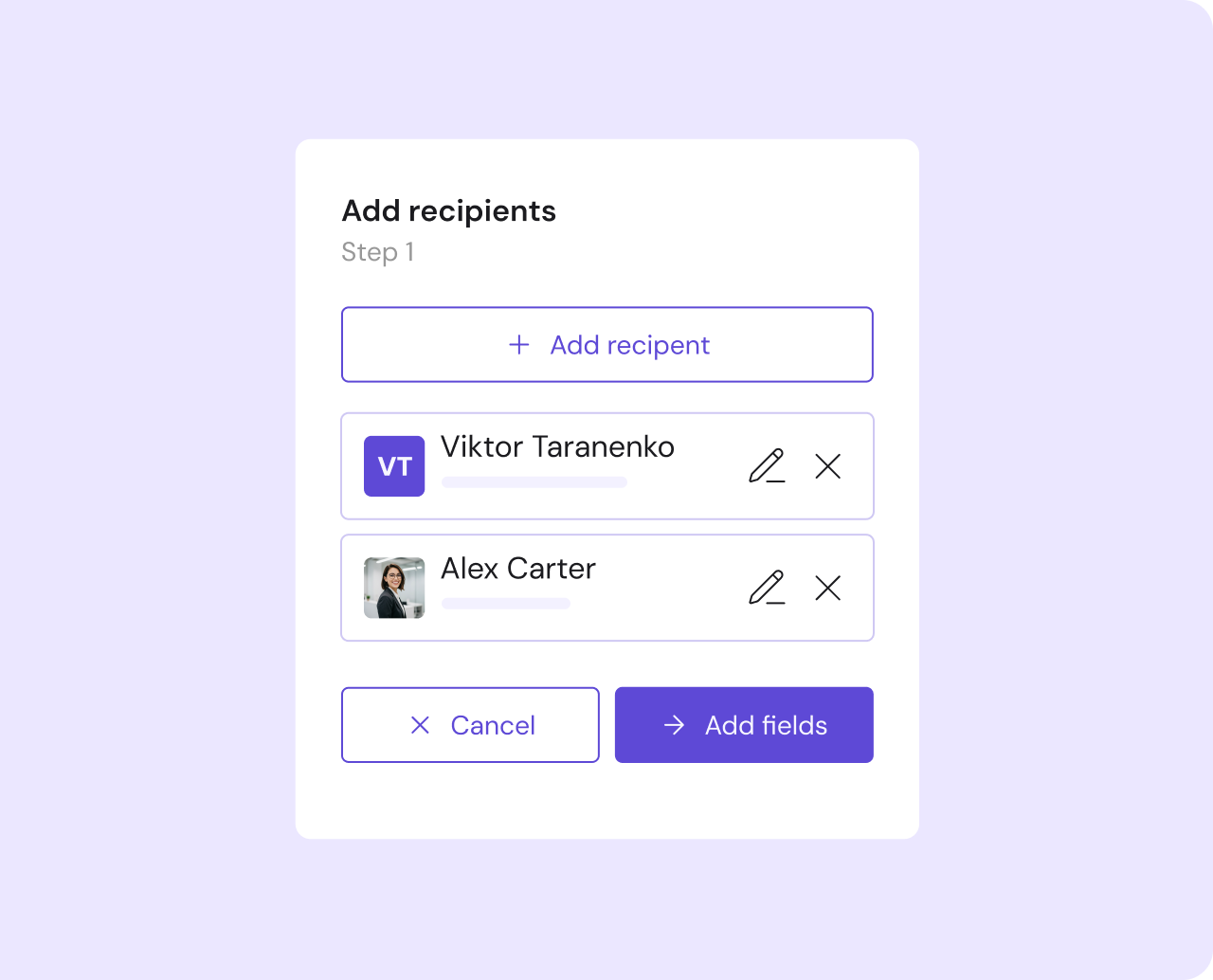
From draft to deal, in one simple flow
No more tool switching. Create, send and sign legal documents in one simple workflow.
- •No tool switching
- •Speed up deals
- •Reduce costs

Signature ready in an instant
Add your signers and confirm where signatures are needed.
- •Ready to send in seconds
- •Save time formatting
- •Simple setup

Organization on autopilot
Never search for a contract again. GitLaw securely stores your docs and reminds you before renewals.
- •Stay protected
- •Keep track of renewals
- •Secure storage





Ready to sign smarter?
Join teams creating and signing legal documents for free.
Common questions about GitLaw eSign
Is GitLaw eSign free?
Yes. GitLaw eSign is completely free with no document limits, no per-signature fees, and no trial period. Every plan includes unlimited legally binding eSign.
Are signatures legally binding?
Yes. Signatures created through GitLaw are legally binding under the Electronic Communications Act 2000 (UK), the ESIGN Act (US), and the eIDAS Regulation (EU), carrying the same legal effect as handwritten signatures for most commercial agreements.
How quickly can I send a document for signature?
Most documents are ready to send in under a minute. Smart party detection identifies signers automatically from your document content.
What types of documents can I sign?
Any standard commercial document: contracts, NDAs, service agreements, and offer letters. Works with documents created in GitLaw and PDFs uploaded from outside.
How does GitLaw compare to DocuSign?
DocuSign's Business Pro plan costs up to $840 per user per year. GitLaw eSign is free, with no document limits. Both produce legally binding signatures, but GitLaw is built into your drafting workflow so there is no tool switching required.
What happens to signed documents?
Once signed, your document is locked against further edits and stored securely in GitLaw. All parties receive a signed copy by email, and a full audit trail is generated automatically.
Does GitLaw eSign work on mobile?
Yes. The signing experience is fully mobile-friendly and requires no app download.