GitLaw How-To guides
Set up your GitLaw account
To set up a GitLaw account, go to git.law/sign-up and choose Sign Up. You can sign up with a Google account or an email address; passwords need to be at least 8 characters and include a letter and a number. Once you are in, finish your profile in Settings so GitLaw Agent can draft and review smarter for you.
Before you start: nothing, just a Google account or an email address.
How do I create a GitLaw account?
Creating an account gives you access to GitLaw Agent, lets you draft and review documents, and allows you to share templates and collaborate with others. To sign up:
- Go to git.law/sign-up and choose Sign Up. You can sign up with a Google account or an email address. The password needs to be at least 8 characters long and include a letter and a number, and GitLaw may present a CAPTCHA for security.
- That's it, you're done. Your GitLaw profile is now active.
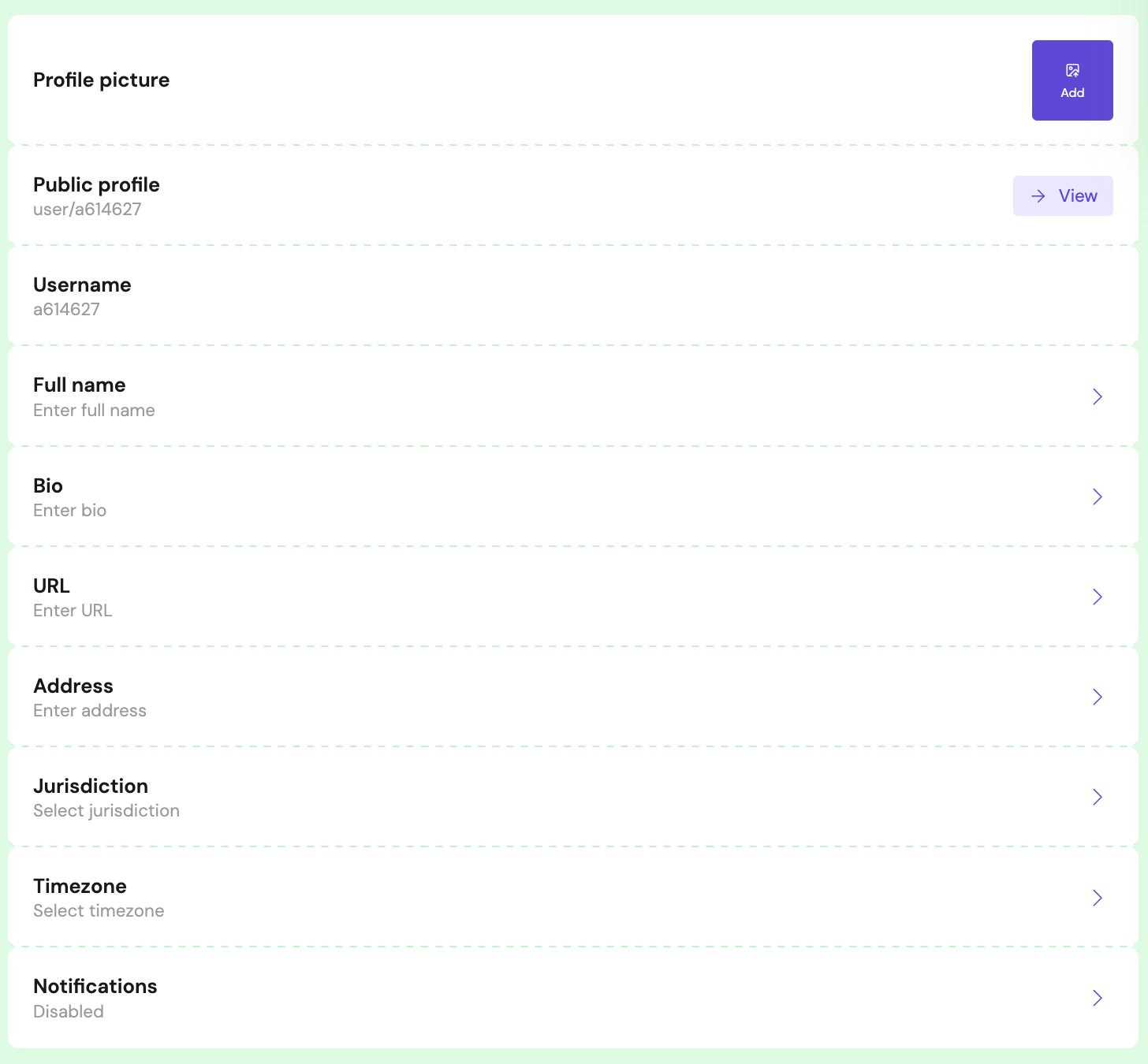
- Finish your profile: open the Settings page from the top right icon and add the remaining details. This information is used contextually by GitLaw Agent to draft and review smarter for you.
Best practices for your GitLaw profile
A complete profile makes GitLaw work better for you and builds trust with the people you share documents with:
- Use professional details in your profile to build trust with other users.
- Add your full name, address, jurisdiction and timezone so the Agent can pick up additional context when it works on your requests.
- Familiarise yourself with the GitLaw Community Code of Conduct and Acceptable Use Policies to ensure you comply with platform rules.
Frequently asked questions
Can I sign up to GitLaw with my Google account?
Yes. You can sign up with a Google account or with an email address and password. Passwords must be at least 8 characters long and include a letter and a number.
Why should I complete my profile?
Profile details such as your full name, address, jurisdiction and timezone are used contextually by GitLaw Agent, so it can draft and review documents smarter for you.
Reviewed by the GitLaw team. Last updated 29 July 2026.